Every order in your shop has a status that tells you where it stands. Here's what each one means.
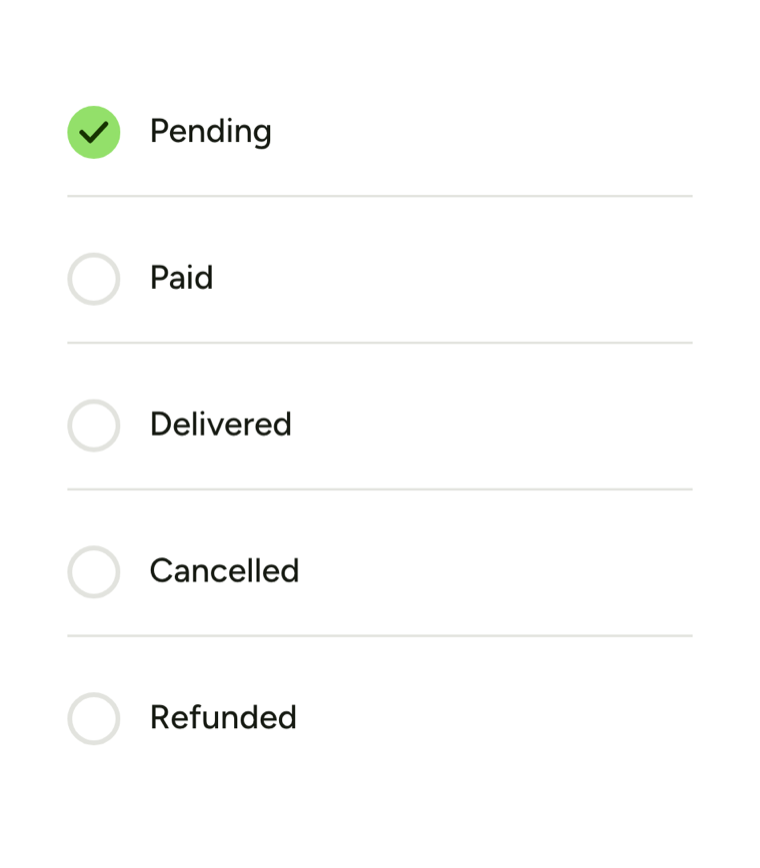
Pending
The order has been placed but payment isn't confirmed yet — or the customer chose pay-on-delivery. It's in your queue, waiting.
Paid
Payment has been confirmed and the order is ready to prepare. For online payment methods (Stripe, PayPal, M-Pesa), this happens automatically once the payment clears.
Delivered
You've handed the order to the customer (or your courier has). Mark an order Delivered once it's on its way or received, so your records and the customer's tracking page stay up to date.
Cancelled
You or the customer cancelled the order before it was fulfilled. The customer isn't charged.
Refunded
You refunded a paid order. Marking it Refunded keeps a clear record, but it doesn't send the money back on its own — you do that through the original payment provider (Stripe, PayPal, or M-Pesa).
Changing a status
Tap any order to open it, pick the new status, and tap Update Status. The change saves right away.
Doing several at once
To update a batch, tap Select, tick the orders, and tap Complete. See Bulk actions on orders.
The Abandoned filter
Your orders page also has an Abandoned tab. These are checkouts a customer started but never paid for. They sit apart from your real orders and don't count towards your revenue — nothing to do with them.