When a customer places an order, you'll see it in your Orders page.
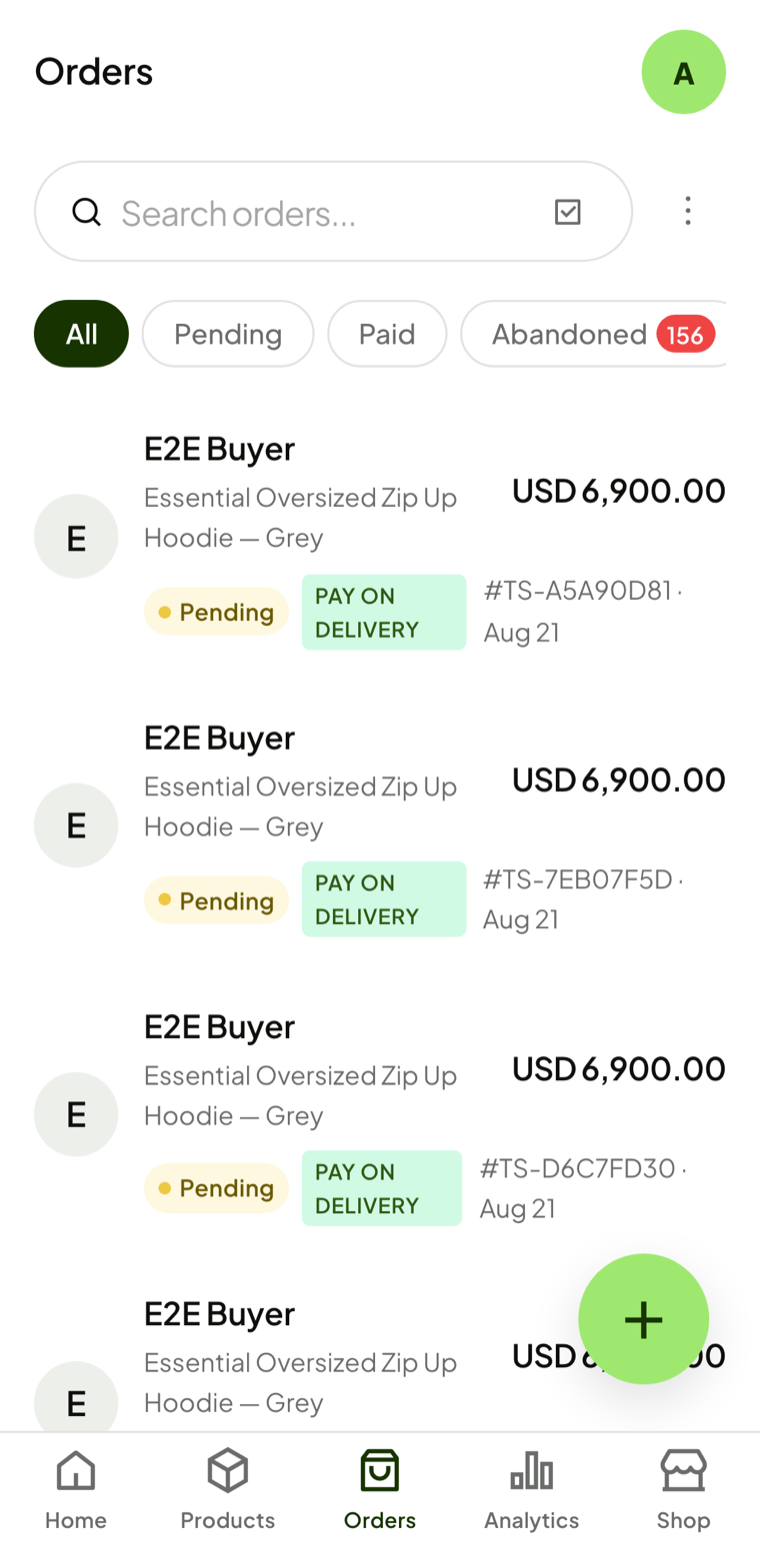
Order statuses
- Pending — The order has been placed but not yet processed.
- Paid — Payment is confirmed; the order is ready to prepare.
- Delivered — The customer has received their order.
- Cancelled — The order was cancelled; the customer isn't charged.
- Refunded — You refunded a paid order.
Updating an order
Tap on any order to see its details. Use the status dropdown to update it as you process and ship the order.